| Go back to previous topic | |
| Forum name | Engine Management Systems & Controllers |
| Topic subject | TunerStudio MS |
| Topic URL | https://forums.2gnt.com/dcboard.php?az=show_topic&forum=i54&topic_id=4694 |
|
4694, TunerStudio MS Posted by wickedtalon, Nov-02-09 03:40 PM Check out TunerStudio MS for tuning your megasquirt instead of megatune. Its still in beta testing but I havent ran across any problems. | |
|
4695, RE: TunerStudio MS Posted by 420agreenvilleSC, Nov-02-09 04:59 PM mmmmmm! | |
|
4696, RE: TunerStudio MS Posted by 96TurboGS, Nov-03-09 12:19 AM I’m not sure if MS1 has it, but with MS2 TS displays crank and cam logging. (Rising/falling edges) It’s a very solid program, I’ve never had any problems with it and it’s good on memory usage!! It’s been close to a year I’ve been using it. Phill works around the clock to keep this program running flawlessly. | |
|
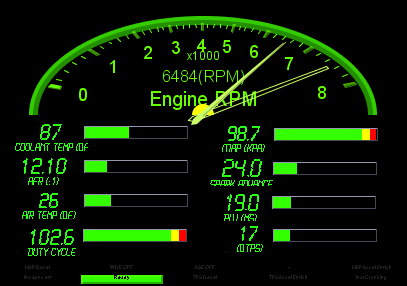
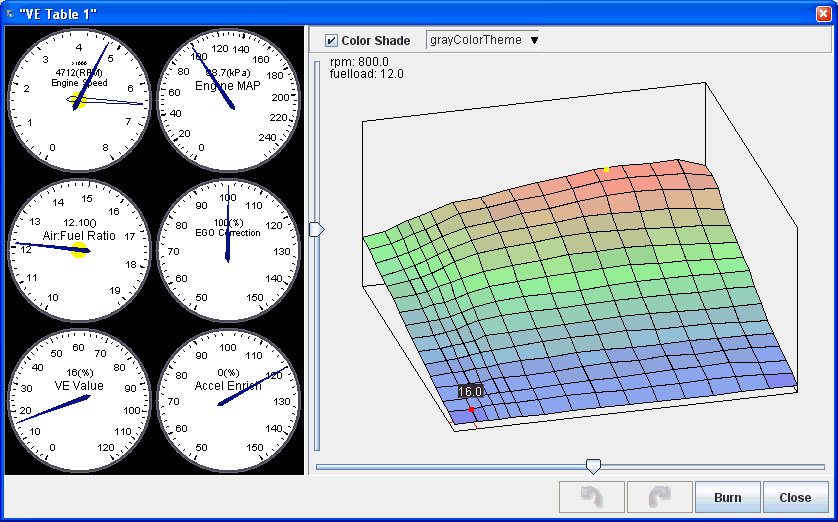
4697, RE: TunerStudio MS Posted by justins71, Nov-03-09 08:12 AM I know it says still in Beta testing, but it's been out for a while. I ran it last year, it's cool because the main java GUI is totally configurable (gauge types, sizes, colors, etc). You can have graphs that are histogram, bar, led bar, round sweep (any face angle)... also add idiot lights and your own background pictures. Only downside I had is it sucked my battery about 30% faster on my laptop than MT. Upsides are when you burn, for instance a VE table you changed 5 bins, it only burns those bins you change - not the whole map, saves the chip a bit. The tooth trigger view is awesome if you have sync issues or a new engine type, and I like the colored 3D tuning view better than the simple wire frame, also. | |